Search
Studio Atlas
A brand, a library and 450 tutorial videos for Studio. We named it Atlas, drew the mark and nine part colors, designed and built the library inside Studio, then made the films to fill it.
- Client
- Studio
- Product
- Atlas, the Studio training library
- Launched
- Nov 2026
- Scope
- Brand identity, library design and development, tutorial videos
The task
Studio does a lot: people, giving, events, email, websites and more. New teams needed a way to learn it on their own, in a place that felt like part of Studio and not a folder of videos, and it had to keep up with an app that ships every week.
What we did
We named and branded Atlas, gave each of Studio's nine parts its own color and card, then designed and built the library inside the app. To fill it, we wrote, recorded and voiced 450 tutorial videos with one pipeline, so every lesson looks and sounds the same.
One brand, one library, one voice.
- 011Name
Atlas, a book of maps for Studio
- 021Mark
A folded map on the Studio icon grid
- 039Brights
One color and one icon per part
- 049Card designs
Drawn in code, one per part
- 054Library screens
Home, part, module and lesson
- 0653Modules
Every corner of Studio
- 07450Lessons
Scripted, voiced and tracked
- 080Film crews
Recorded by our own pipeline
A map for Studio.
Studio does a lot, so its training needed a place you could find your way around. We named it Atlas, a book of maps, and drew a folded map on Studio's own icon grid so the mark sits beside every other Studio icon.
Ink. Lime. Nine brights.
Ink and white hold the library. Lime is the Atlas color and marks progress, Studio blue ties it back to the app, and each of the nine parts gets its own bright.
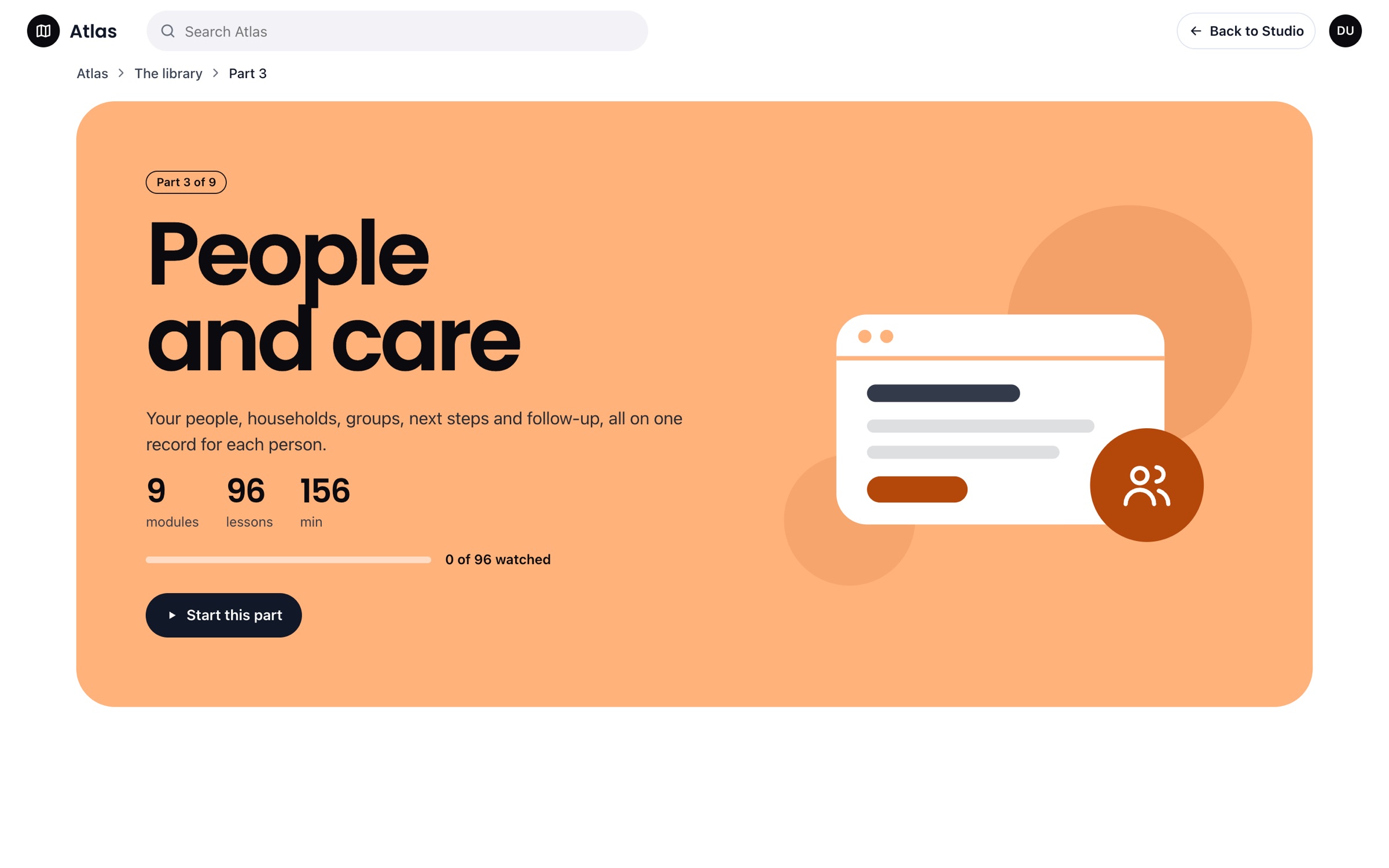
Nine parts, nine cards.
Each part of Studio has its own bright, a deep accent and a line icon. The card art is drawn in code from those three values, so a new part gets its card the day it ships.
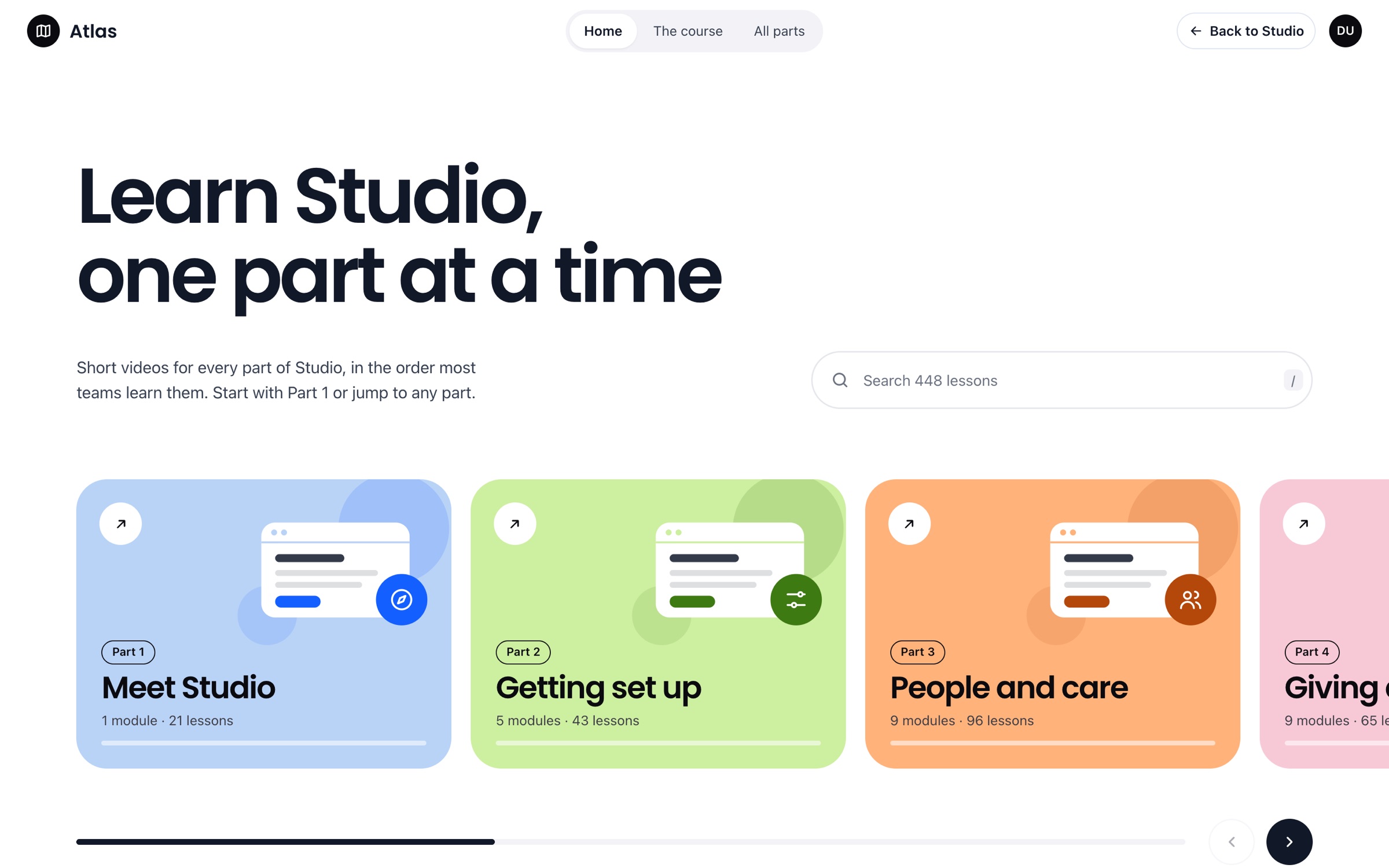
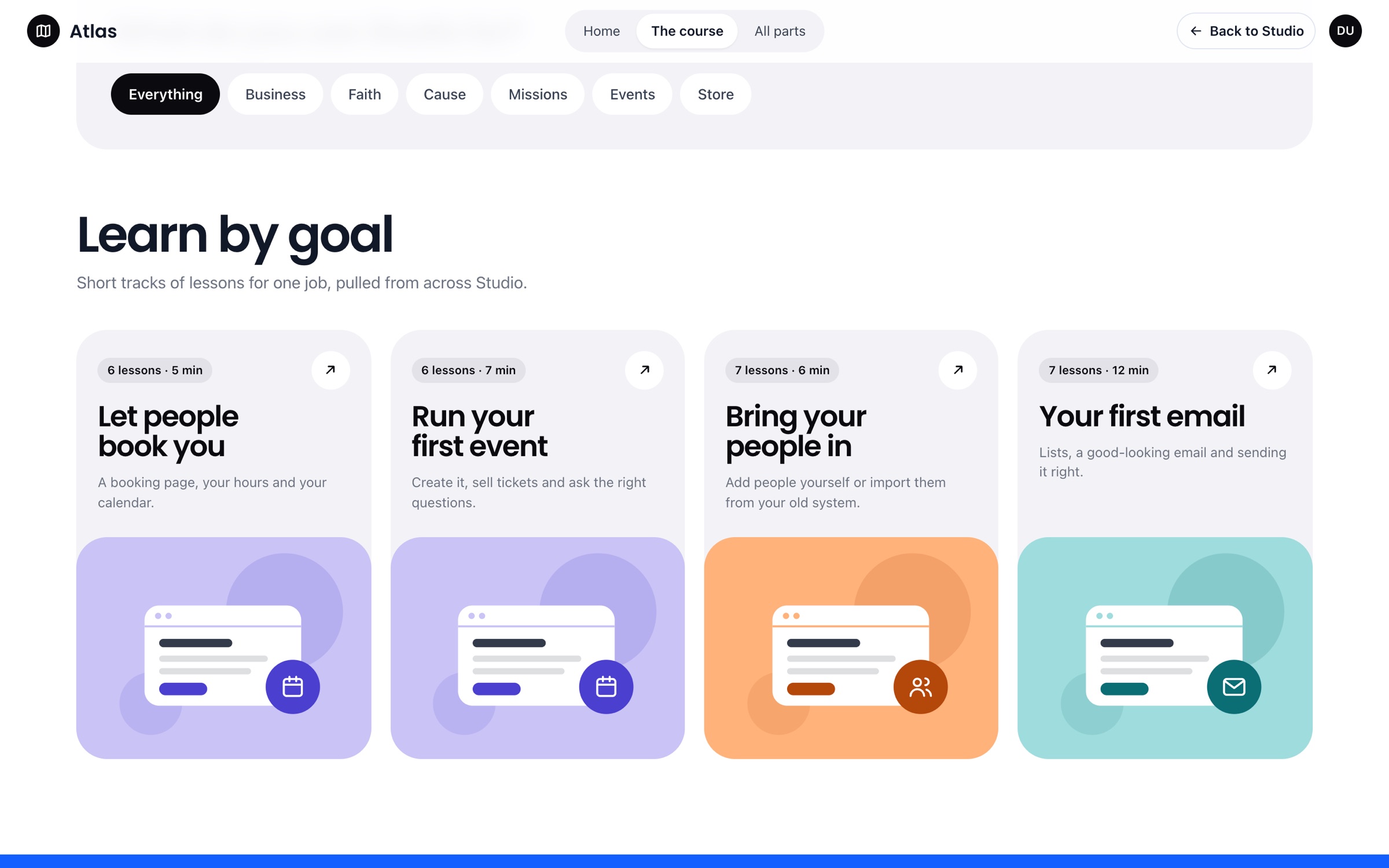
Learn Studio, one part at a time.
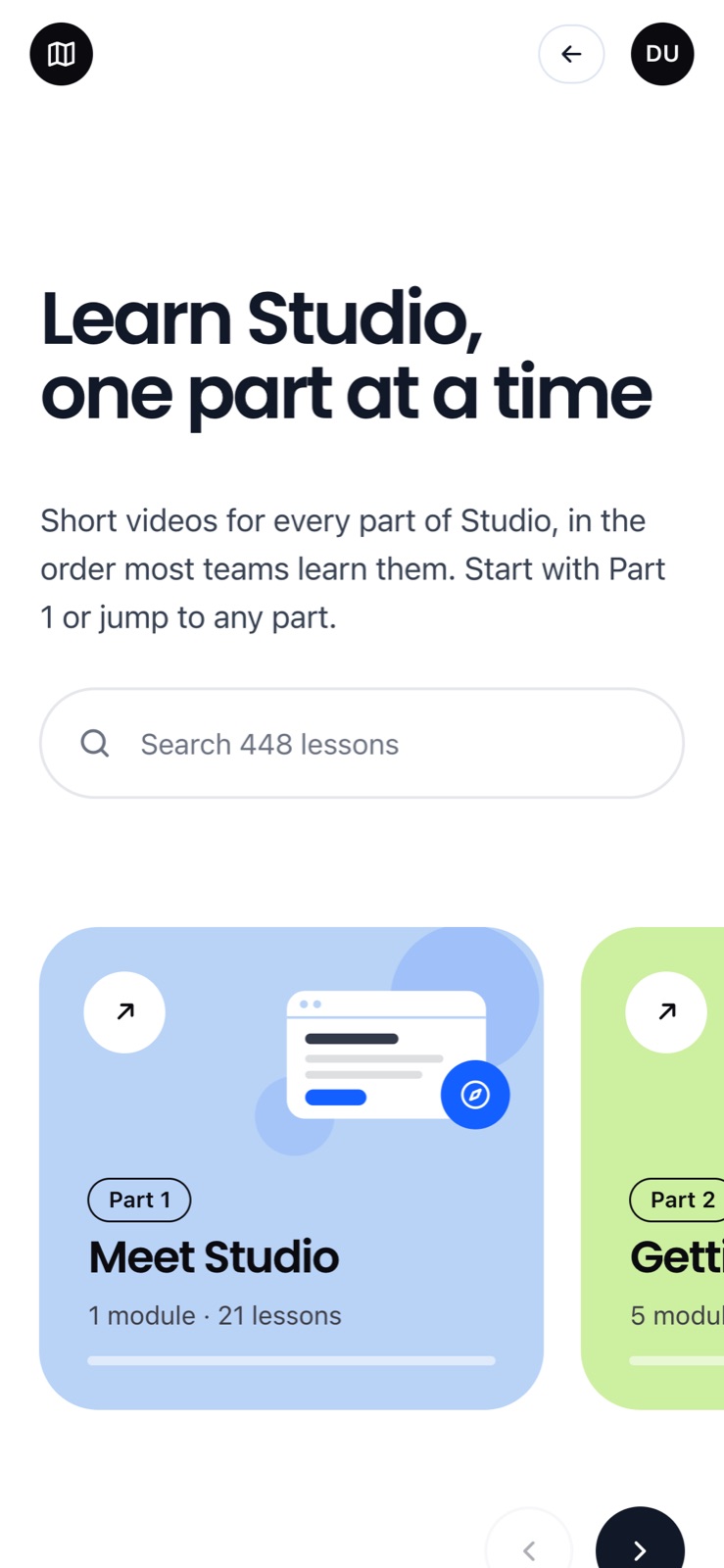
The real Atlas home, live inside Studio. One big promise, one search across all 448 lessons, then the nine part cards in a row you can swipe. The pieces around it are made up to show how it works.
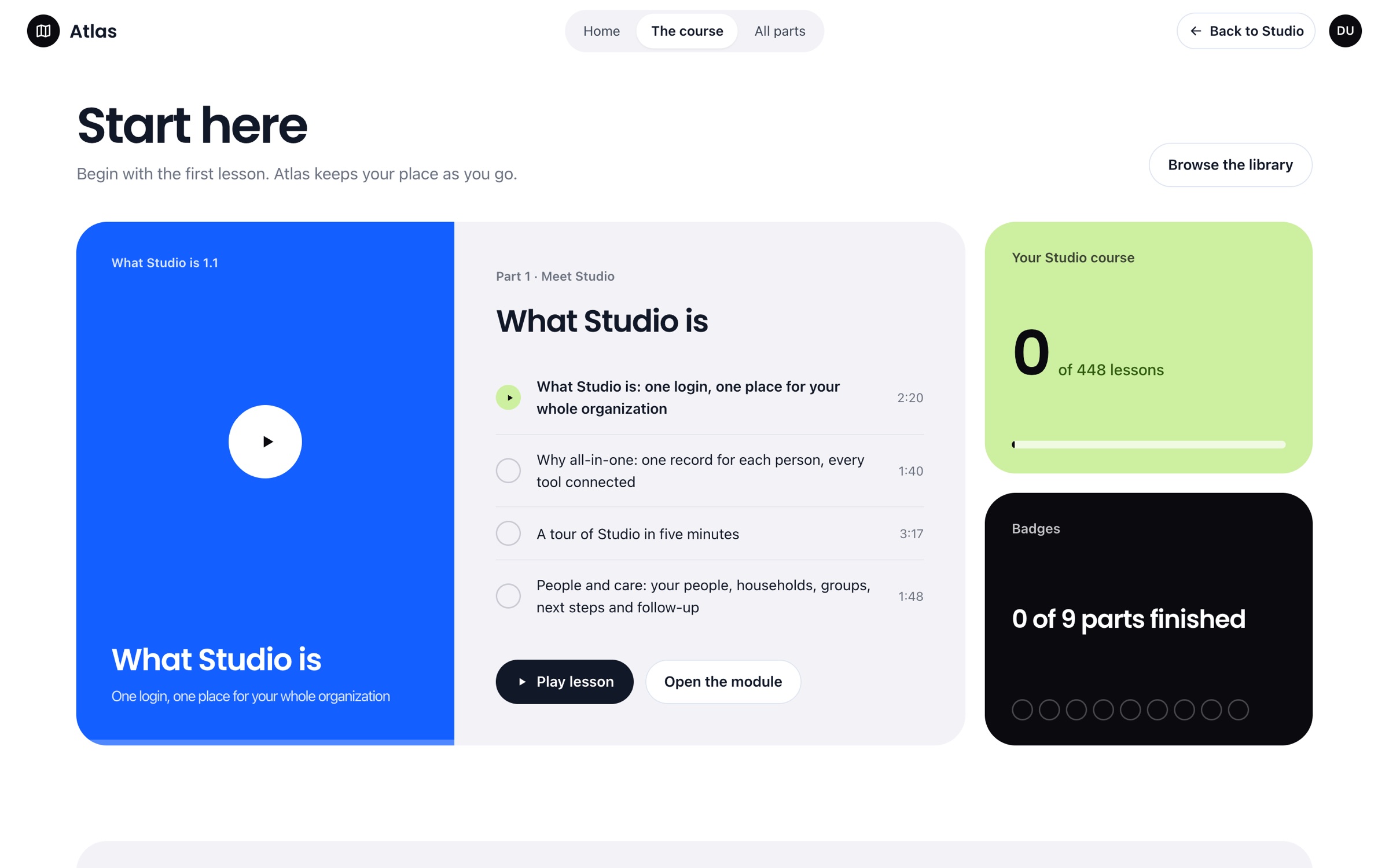
- 01Pick up where you stopped
Every lesson remembers how far you watched, on any device.
- 02One search for everything
Videos, help articles and modules in one box. Press / from anywhere.
- 03Progress you can see
Green checks, beads per module and a bar on every part card.
- 04Built into Studio
Same sign-in, same people, a link from every help menu. No second login.
A course, not a folder of videos.
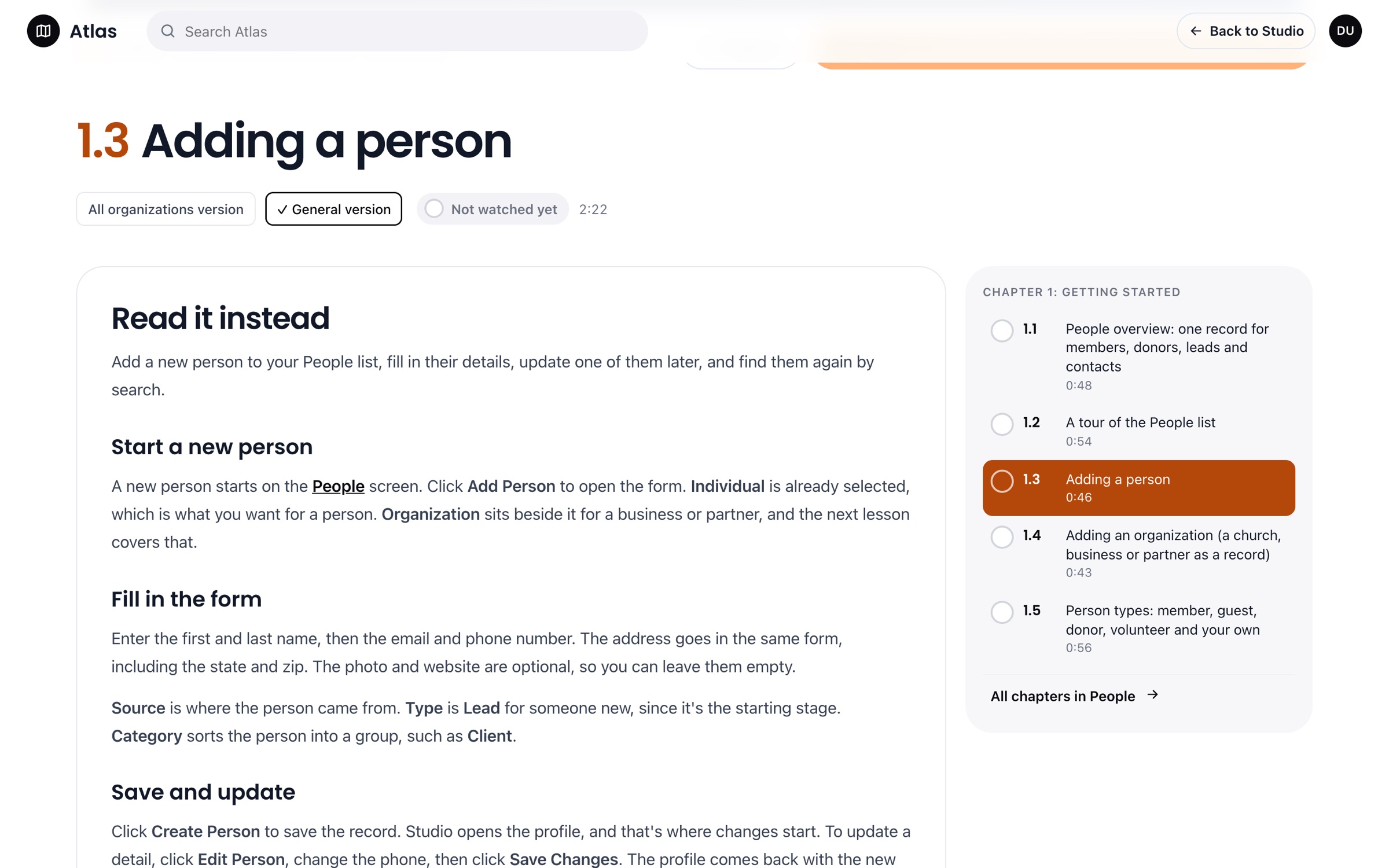
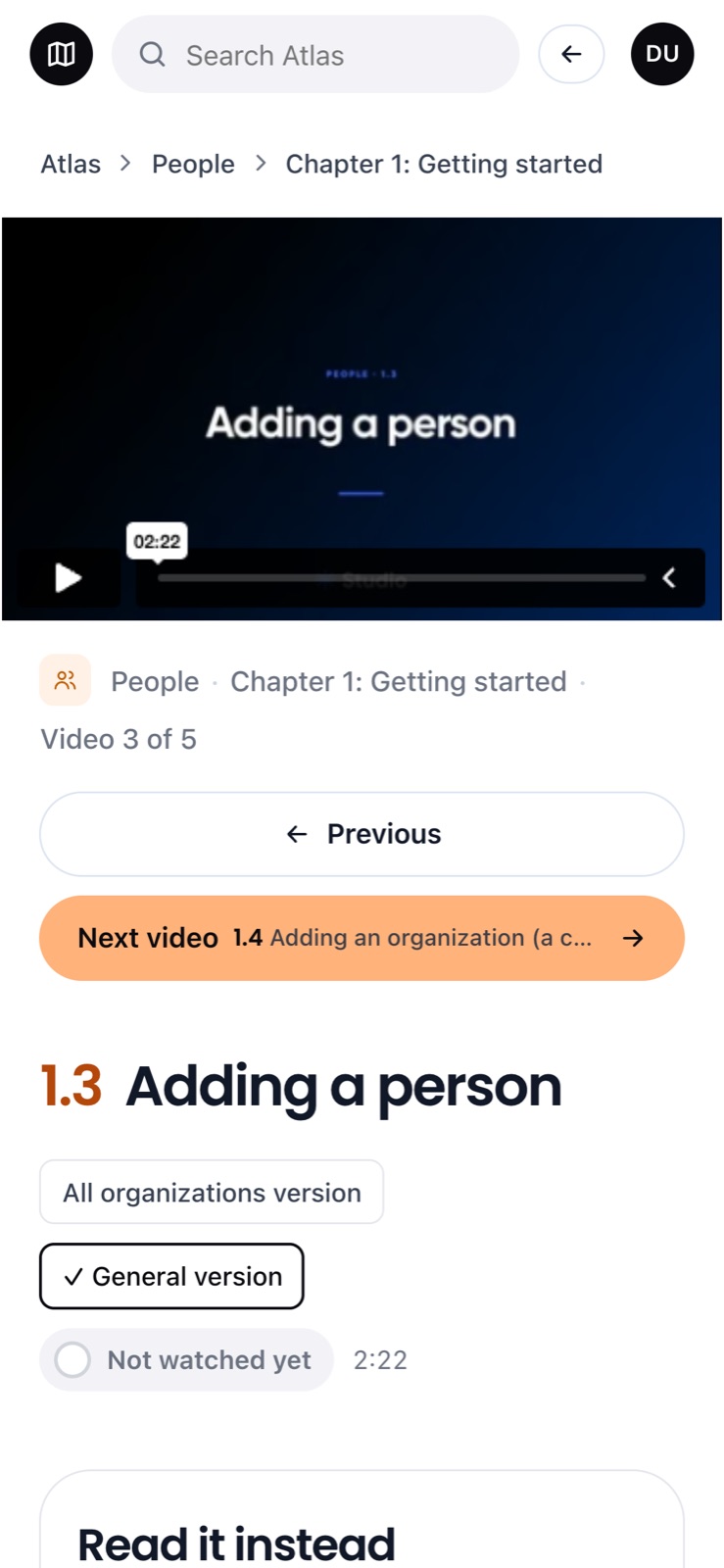
Every screen is the same family: Poppins titles, big rounded cards, the part colors doing the wayfinding. The course picks up where you stopped, each part reads like a chapter list, and every lesson has its video and an article you can read instead.
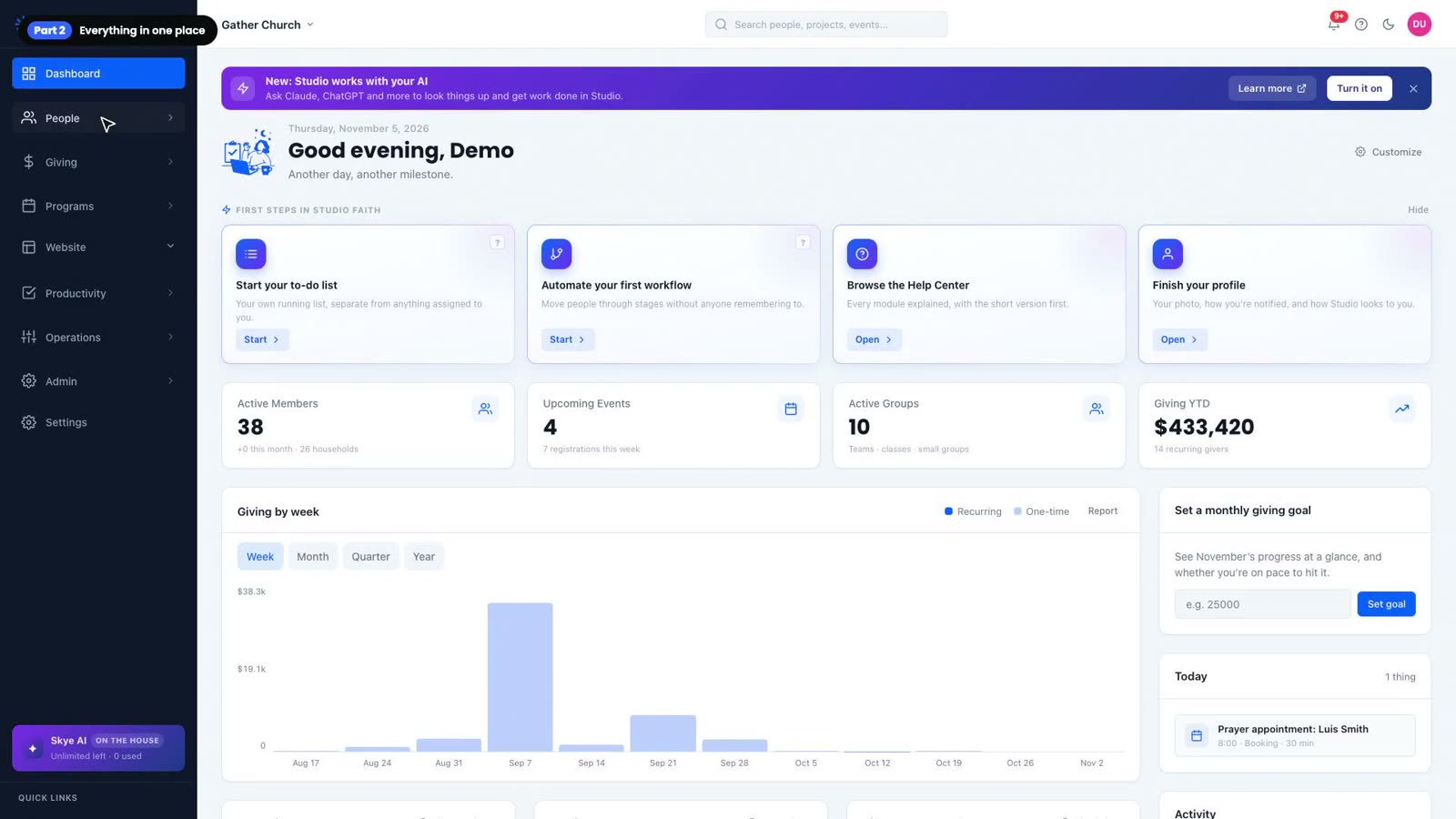
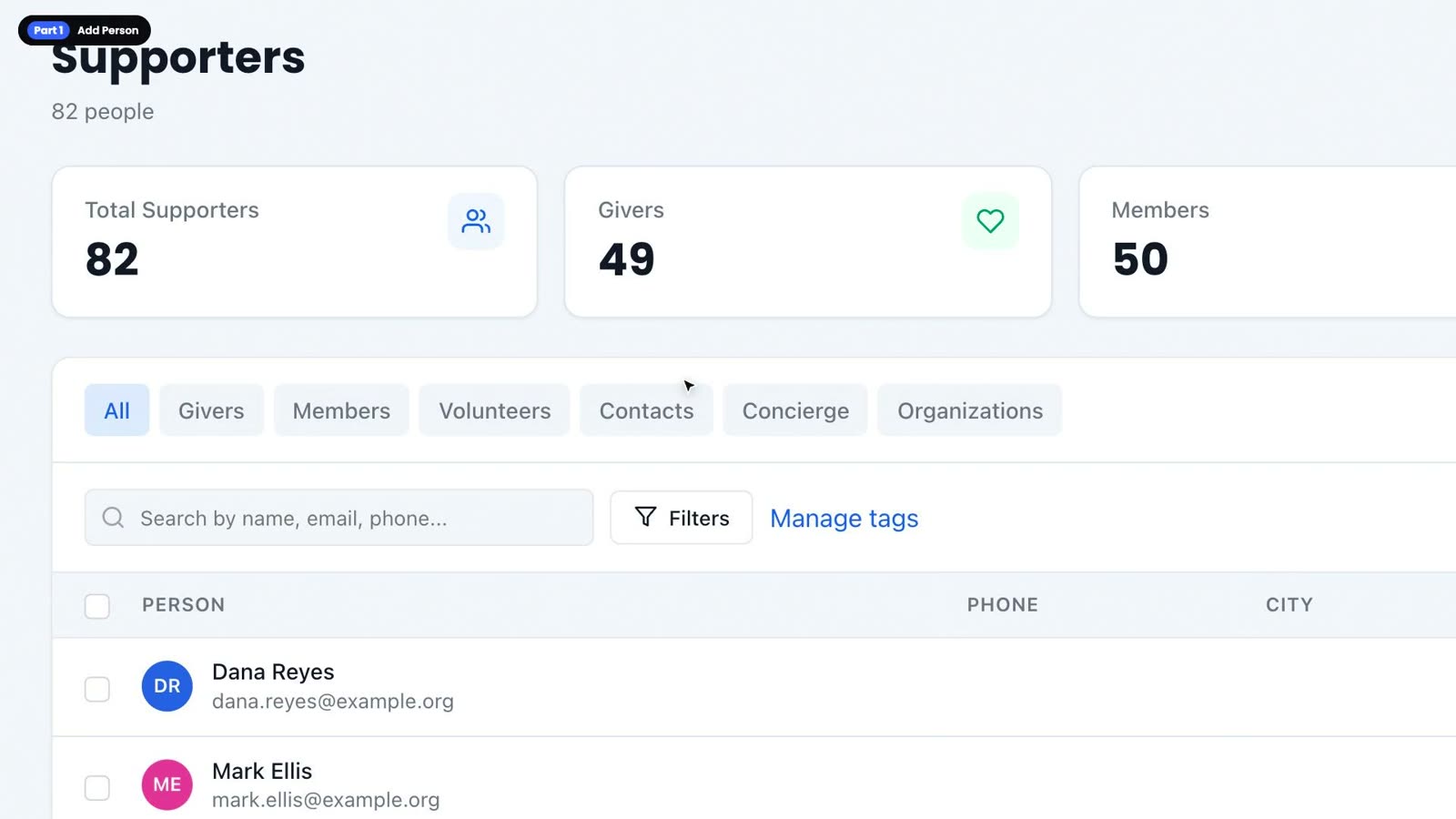
Press play.
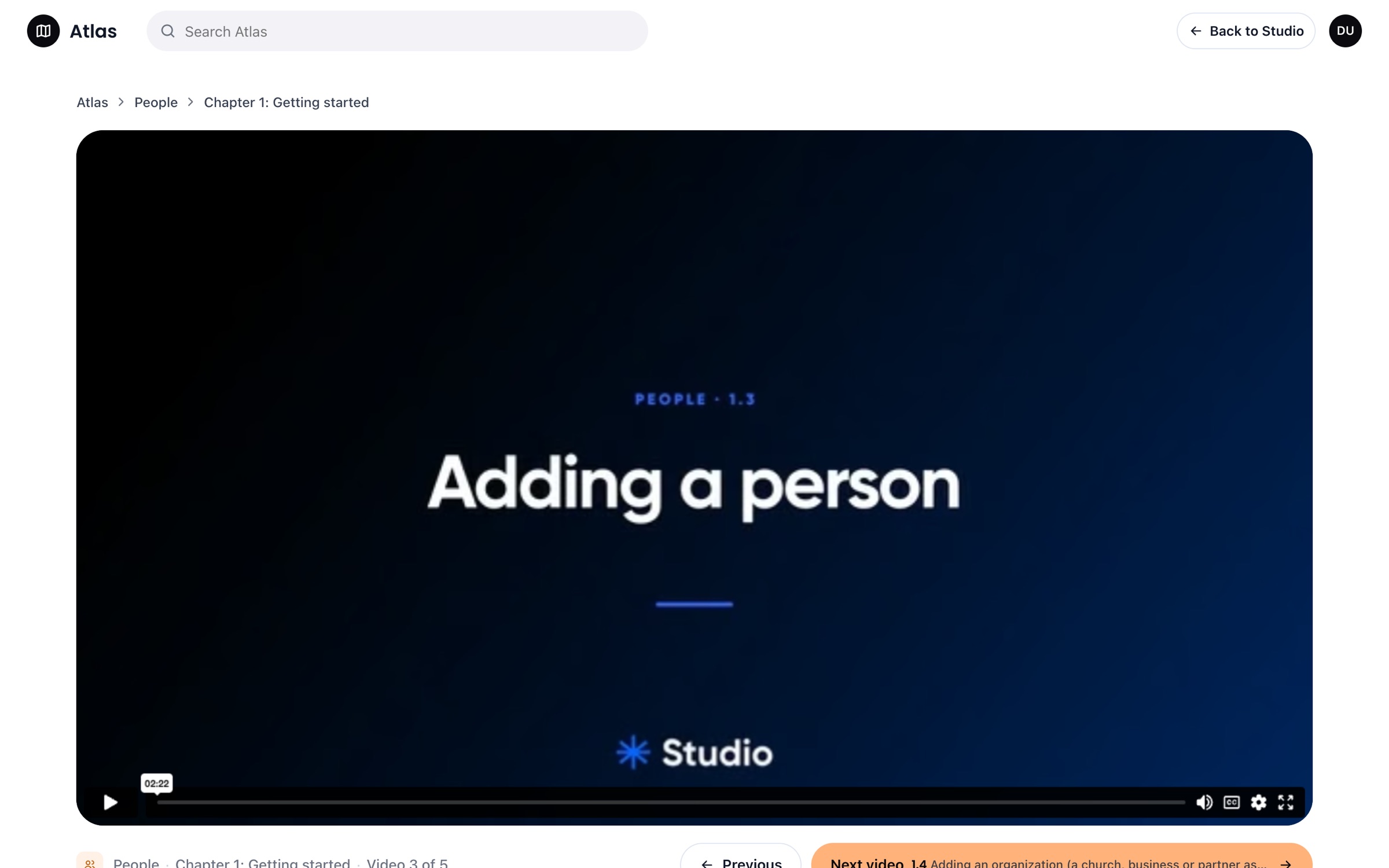
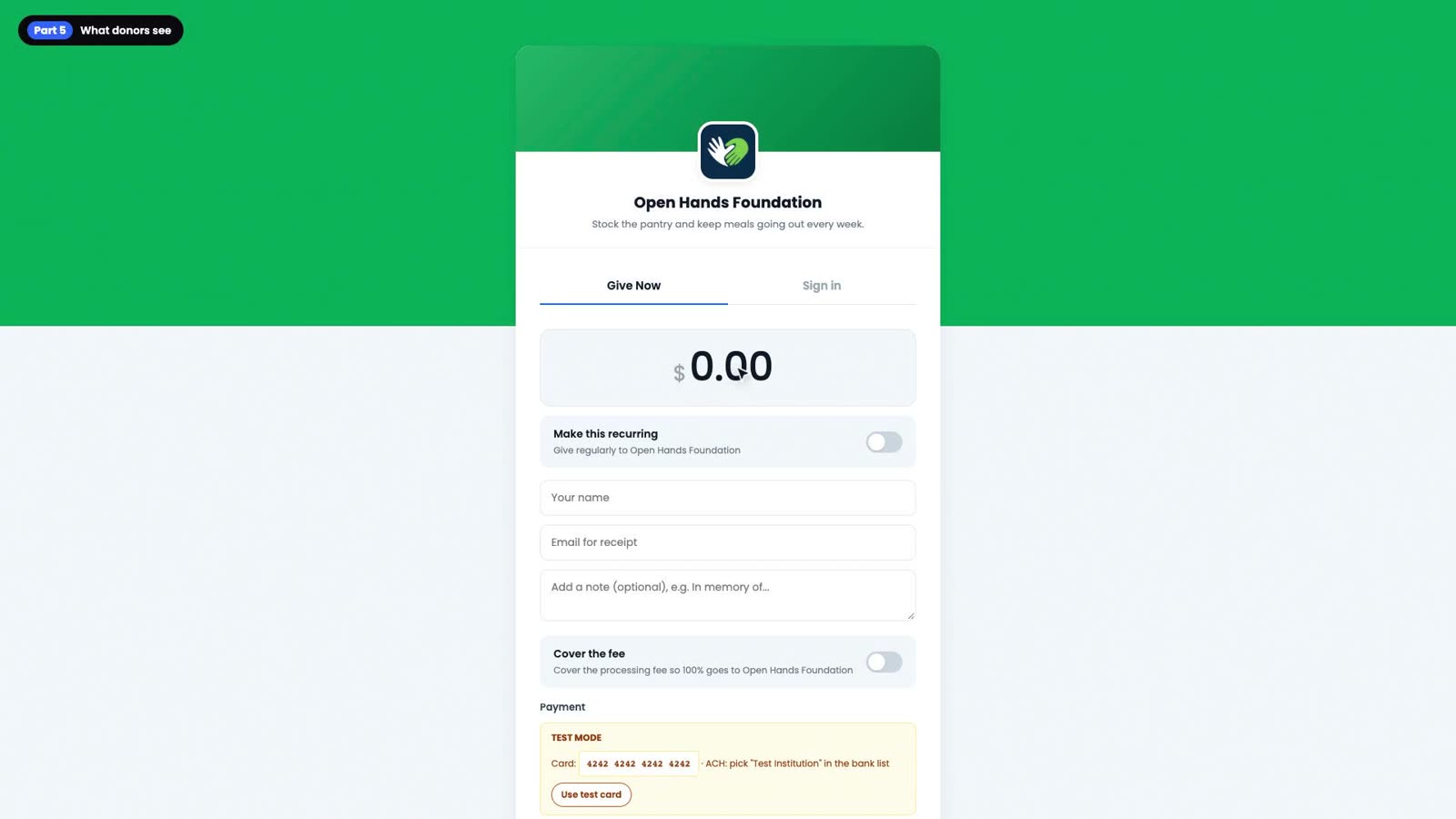
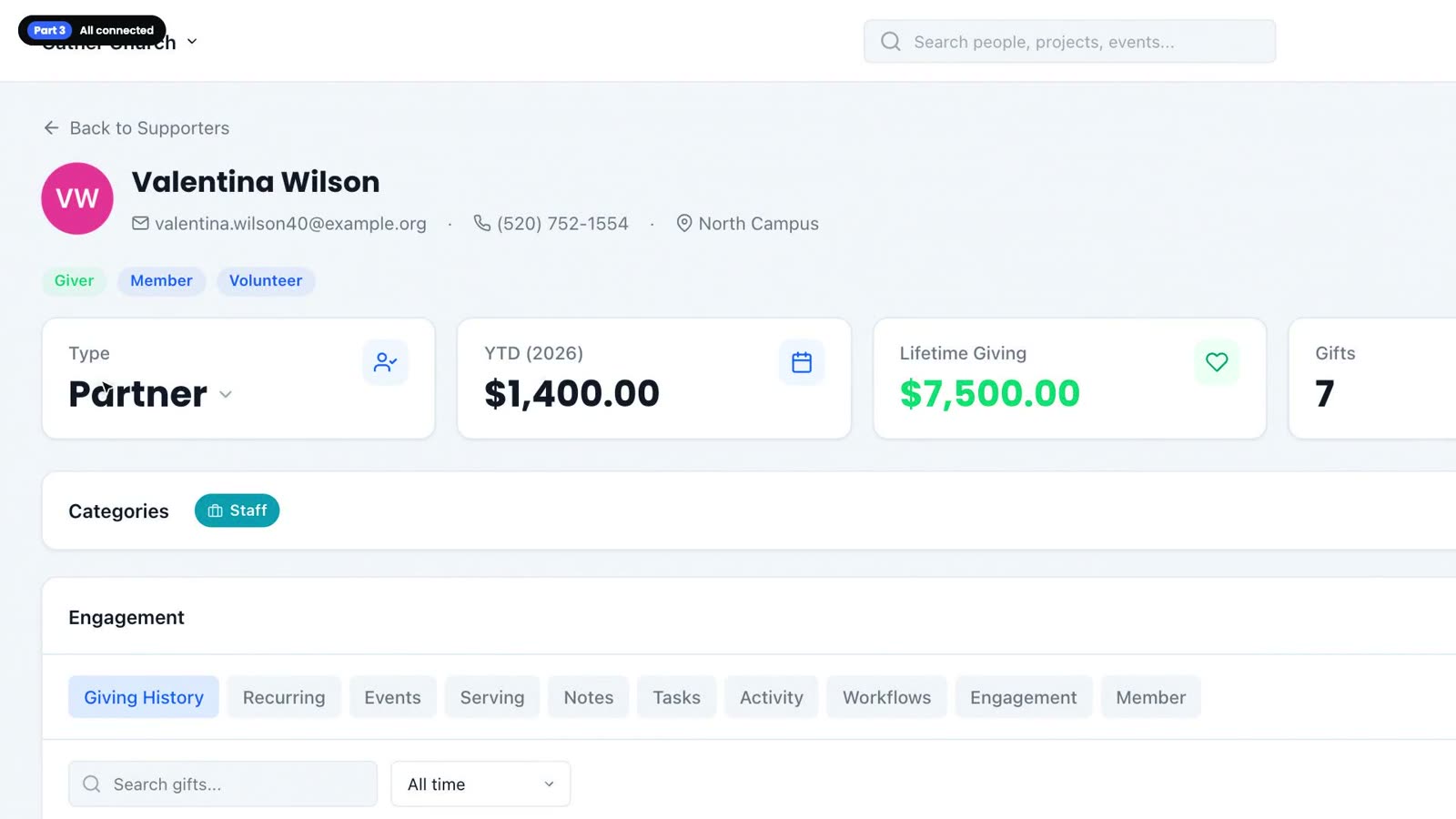
Two overviews and two tutorials, straight from the library. The brand carries into every film: the same voice, the same pace, the same title cards.
Six steps, every lesson.
No film crew, no studio time. Each lesson goes through the same six hands, so the library feels like one course.
- 01A script per lesson
Every line Skye says and every click, checked against the real app before recording.
- 02Recorded by code
A scripted browser clicks through a demo workspace while a virtual camera frames each step.
- 03One voice
Skye reads every lesson, so 450 videos sound like one teacher.
- 04Cut the same way
Title card, parts, captions and an Up next card on every film.
- 05Reviewed in one list
Each lesson moves from script to approved in a shared tracker, with notes on every version.
- 06Straight to the library
Approved films post to Vimeo and land in Atlas, in order, ready to watch.
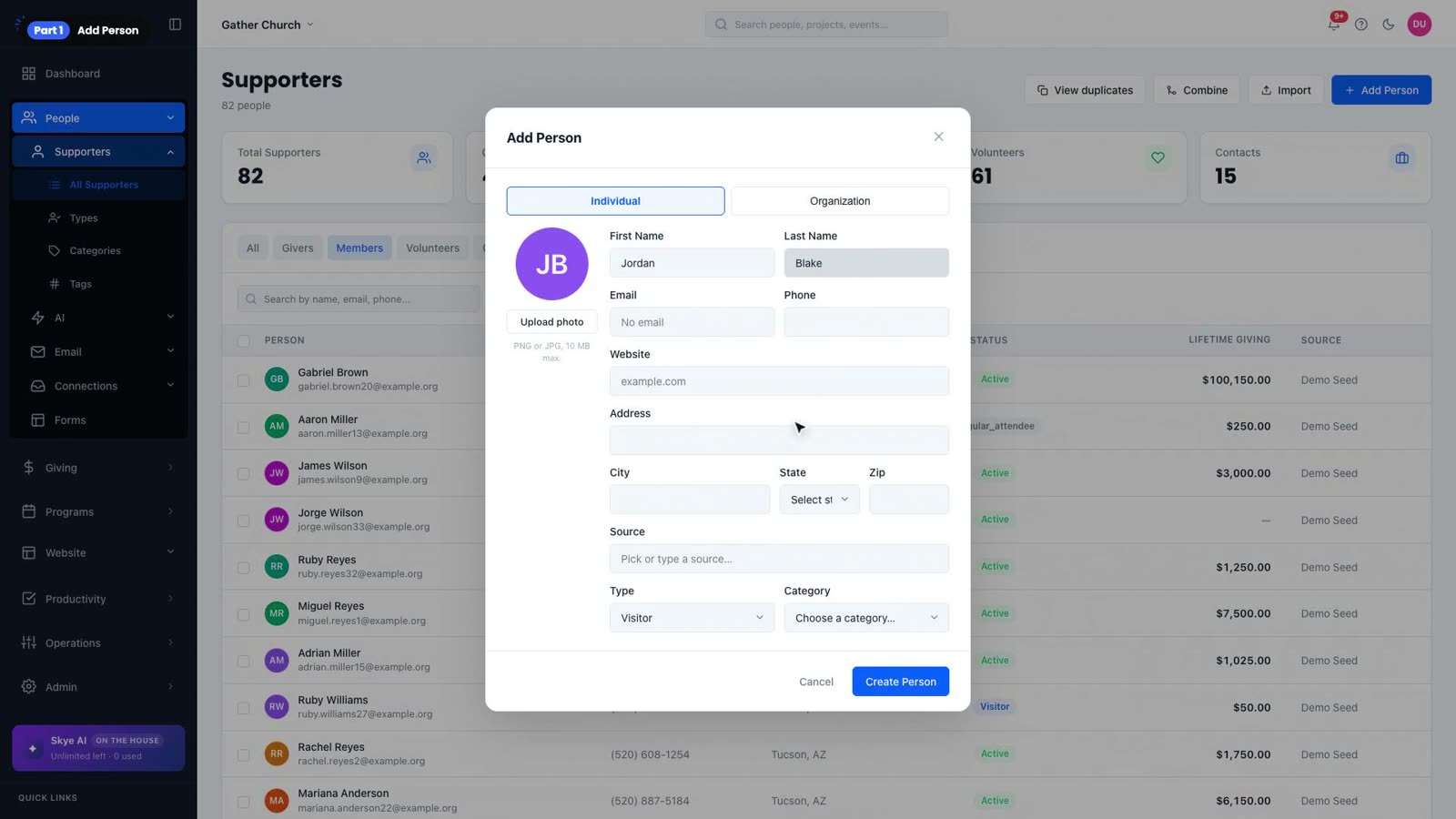
Adding someone takes about thirty seconds. Let's add one now!
Click Add person. Camera frames the form.
Start with a name and an email. Everything else can wait.
Took out a breath at 0:22 and 1:12. Same picture.
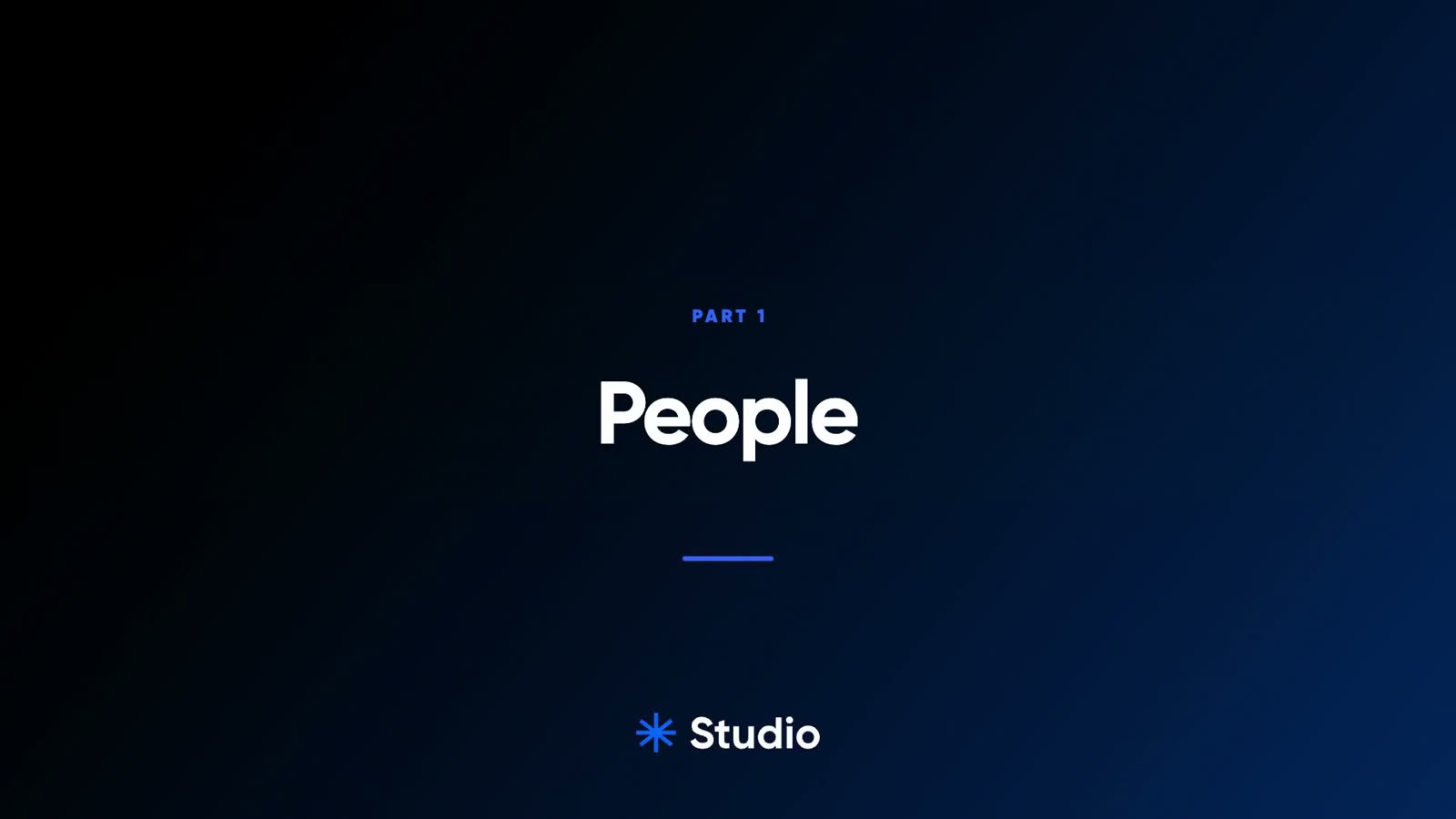
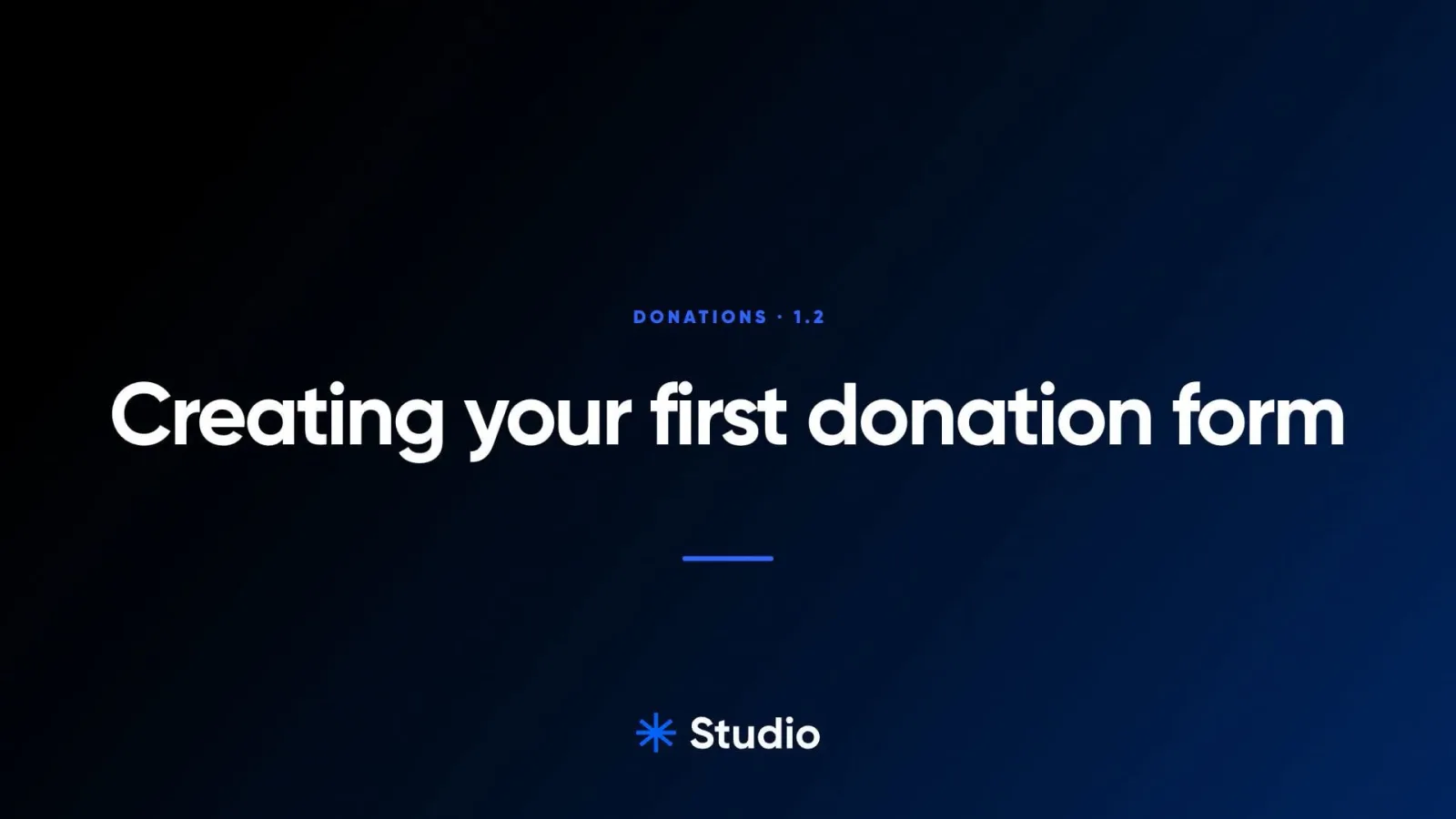
Every film opens the same way.
The Studio mark turns in and the word slides out from behind it. Then the title card, and inside the same moves every time: a part divider, the camera zooming to what matters, a spotlight on the dialog, the result, and an up next card at the end.

my.usestudio.app/atlas
Studio

Let’s create something amazing together.
From brand identity to design direction, we partner with you to build a creative foundation that feels aligned, professional, and easy to grow with.